
browser bookmarks, finally organized
yourtinylaunchpad for web
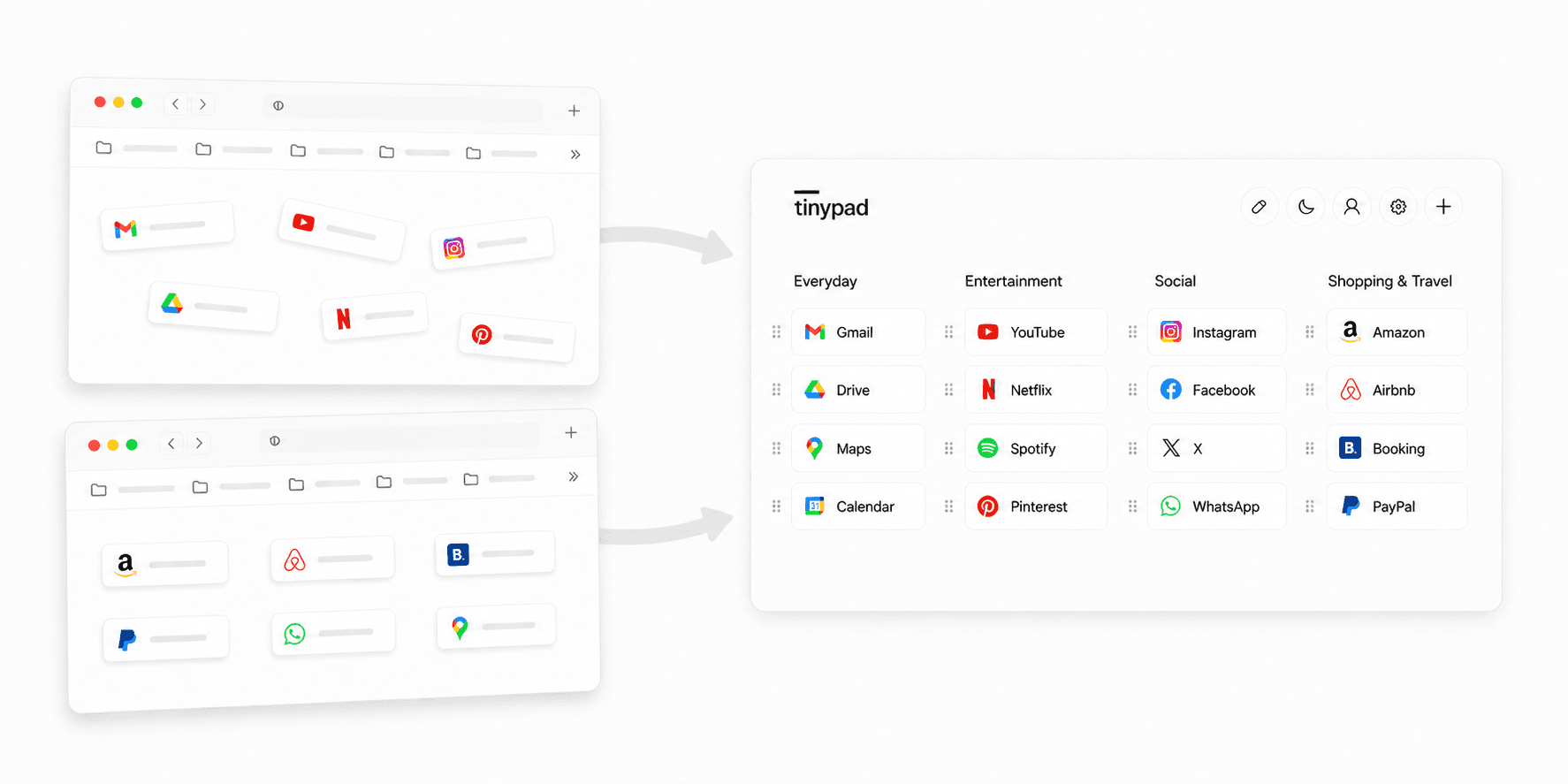
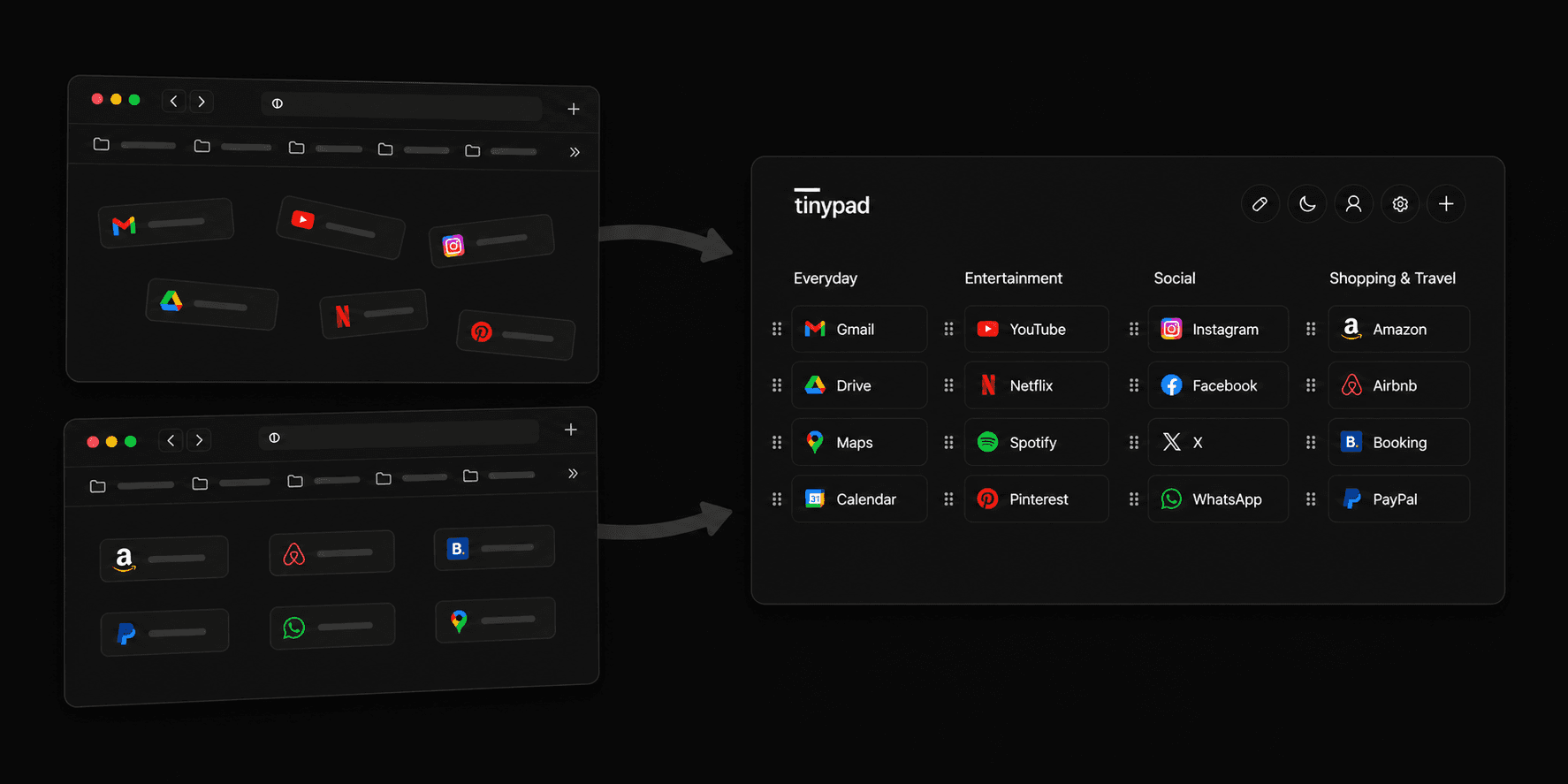
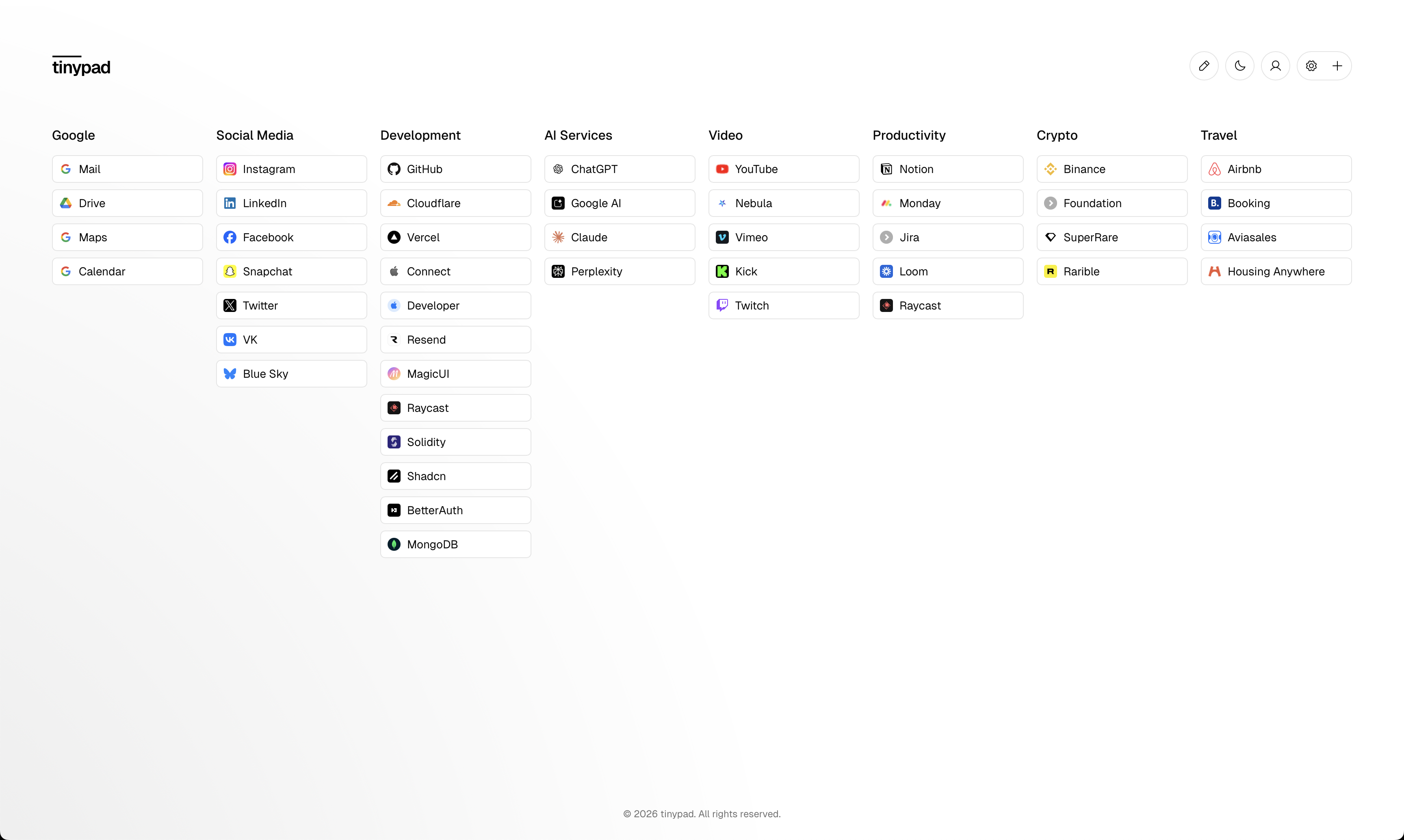
replace chaotic browser's start page with tinypad, where everything is available from the first glance and organized the way you want
one space for all your bookmarks
from old browser clutter to one modern launchpad you can open from anywhere
how does it work
import your bookmarks into tinypad and make it your go-to start page in every browser
step 1
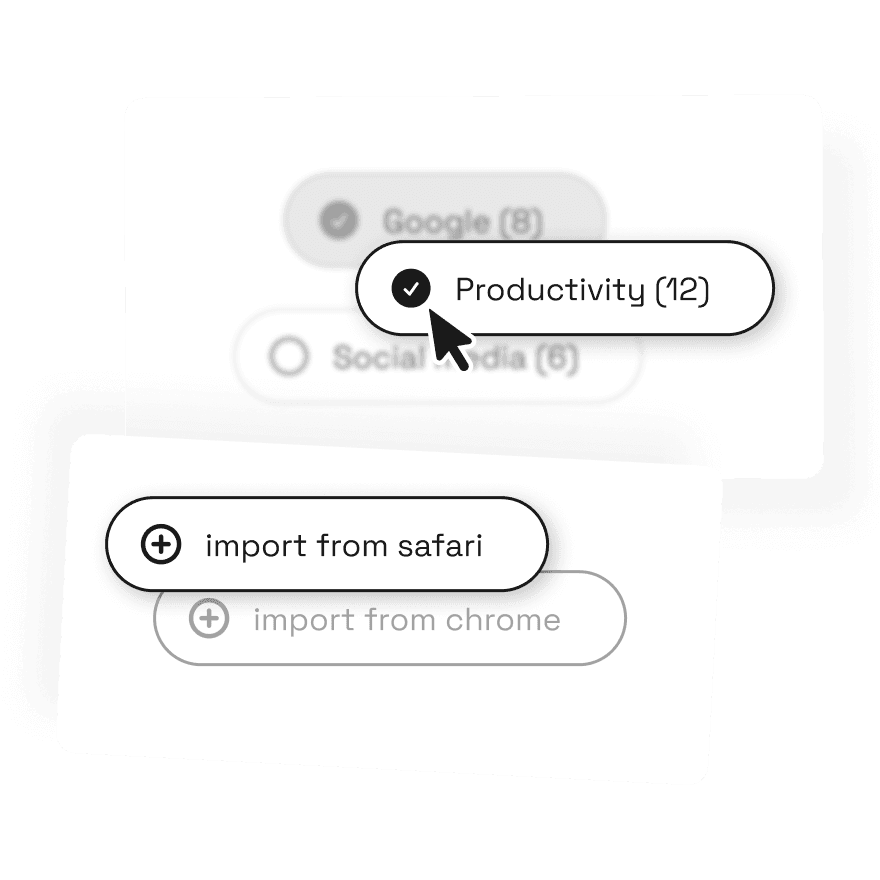
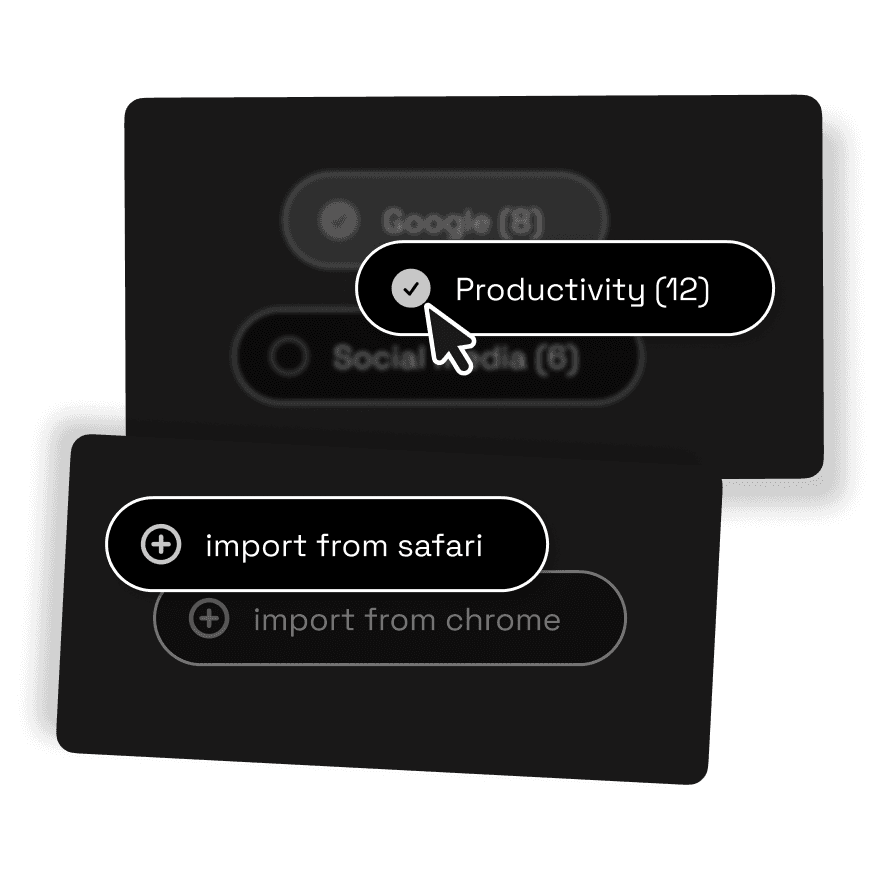
- import your existing bookmarks from safari or any chromium browser
- use curated templates to spin up grouped bookmarks in seconds
- add groups and bookmarks manually as you go
step 2
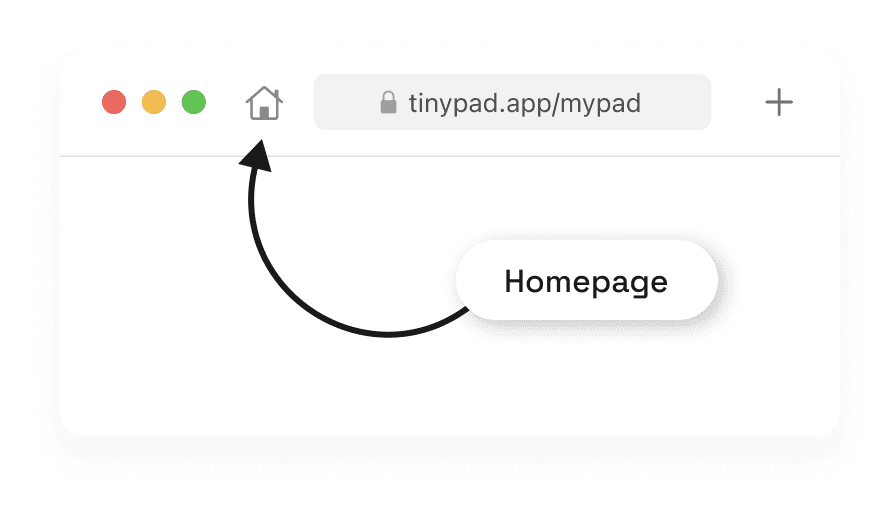
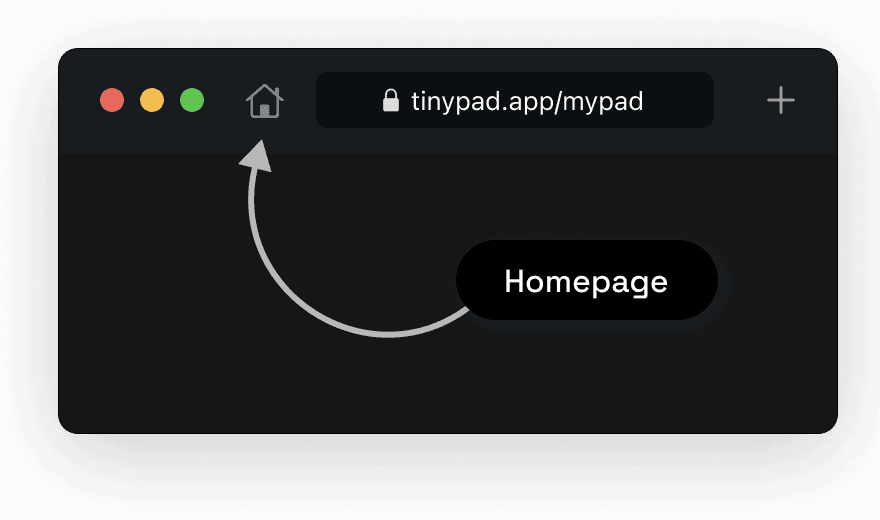
- in safari settings, set homepage to https://www.tinypad.app/mypad
- set "new windows open with" to "homepage"
- set "new tabs open with" to "empty page" (or "homepage")
step 3
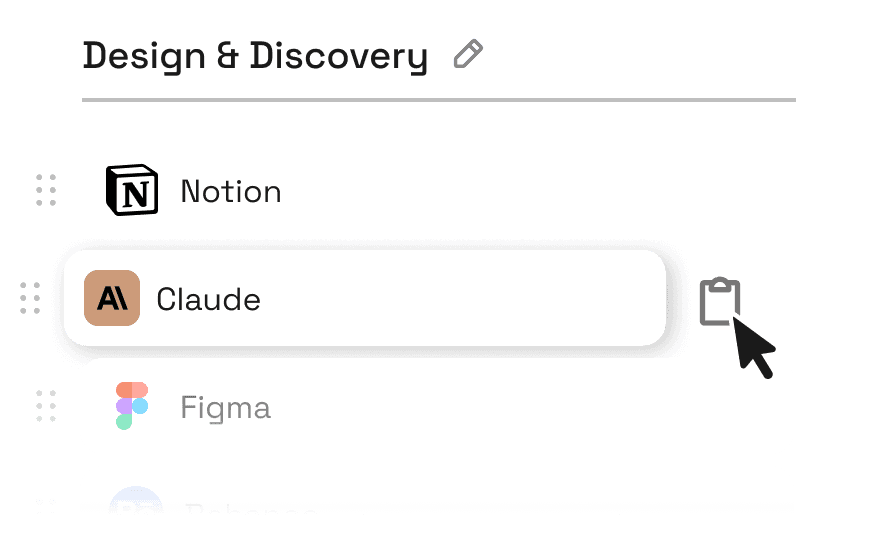
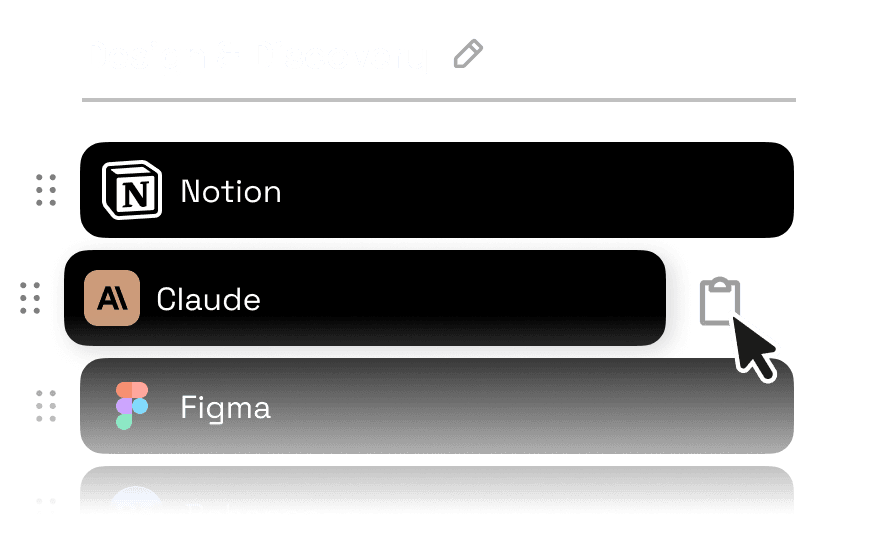
- reorganize your bookmarks: create clearer groups, move important ones up front, and remove old unused links
- choose font, size, radius, and styling options that match your vibe
- keep adding new bookmarks to tinypad
what people say
how people describe tinypad after switching from browser bookmarks
mktpavlenko
product builder
bookmarks didn't die because browsers killed them. they died because we stopped revisiting the same sites. everything became one-off. tinypad brings back the habit, not just the ui.
samir khan
engineering manager
i moved from folder chaos to a setup i can actually maintain. it takes less effort to keep bookmarks useful.
maria r.
freelance writer
the group-based layout is simple and surprisingly powerful. i stopped losing references between projects.
mktpavlenko
product builder
bookmarks didn't die because browsers killed them. they died because we stopped revisiting the same sites. everything became one-off. tinypad brings back the habit, not just the ui.
samir khan
engineering manager
i moved from folder chaos to a setup i can actually maintain. it takes less effort to keep bookmarks useful.
maria r.
freelance writer
the group-based layout is simple and surprisingly powerful. i stopped losing references between projects.
mktpavlenko
product builder
bookmarks didn't die because browsers killed them. they died because we stopped revisiting the same sites. everything became one-off. tinypad brings back the habit, not just the ui.
samir khan
engineering manager
i moved from folder chaos to a setup i can actually maintain. it takes less effort to keep bookmarks useful.
maria r.
freelance writer
the group-based layout is simple and surprisingly powerful. i stopped losing references between projects.
mktpavlenko
product builder
bookmarks didn't die because browsers killed them. they died because we stopped revisiting the same sites. everything became one-off. tinypad brings back the habit, not just the ui.
samir khan
engineering manager
i moved from folder chaos to a setup i can actually maintain. it takes less effort to keep bookmarks useful.
maria r.
freelance writer
the group-based layout is simple and surprisingly powerful. i stopped losing references between projects.
jordan lee
founder
import was quick, cleanup was easy, and now the whole team can share the same structure without friction.
nina
research lead
tinypad feels calm. i open the browser and see exactly what i need instead of digging through old folders.
chris t.
frontend developer
small details like typography and spacing make it nicer to use every day. this is a bookmark tool i enjoy opening.
jordan lee
founder
import was quick, cleanup was easy, and now the whole team can share the same structure without friction.
nina
research lead
tinypad feels calm. i open the browser and see exactly what i need instead of digging through old folders.
chris t.
frontend developer
small details like typography and spacing make it nicer to use every day. this is a bookmark tool i enjoy opening.
jordan lee
founder
import was quick, cleanup was easy, and now the whole team can share the same structure without friction.
nina
research lead
tinypad feels calm. i open the browser and see exactly what i need instead of digging through old folders.
chris t.
frontend developer
small details like typography and spacing make it nicer to use every day. this is a bookmark tool i enjoy opening.
jordan lee
founder
import was quick, cleanup was easy, and now the whole team can share the same structure without friction.
nina
research lead
tinypad feels calm. i open the browser and see exactly what i need instead of digging through old folders.
chris t.
frontend developer
small details like typography and spacing make it nicer to use every day. this is a bookmark tool i enjoy opening.
why tinypad
default bookmark managers and browser start pages are messy, disorganized, and hard to use. tinypad replaces them with a clean, modern, and straightforward bookmark system
same links, quieter way
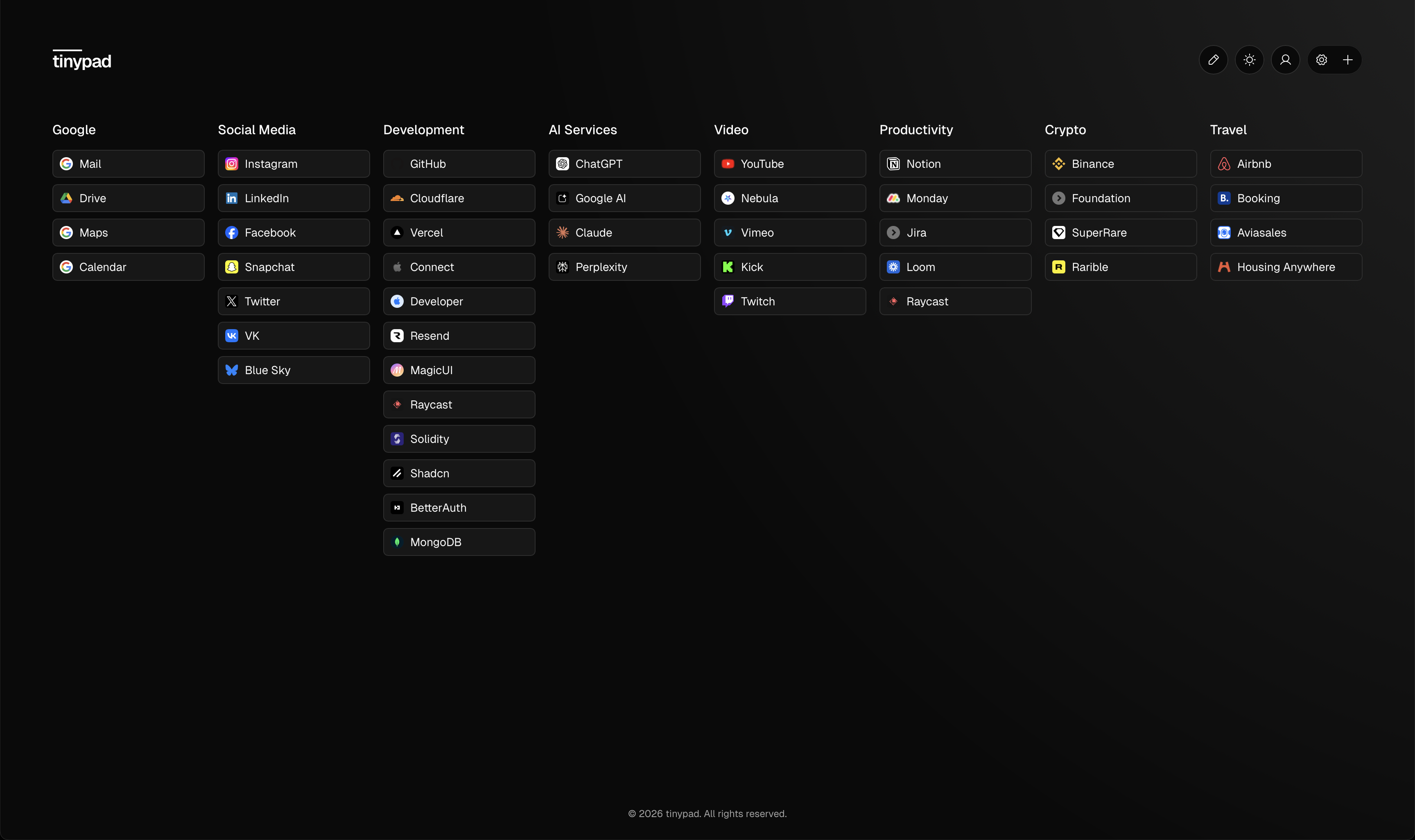
switch from the old browser clutter to the tinypad way: one organized launchpad you can open from anywhere
contact
Share your feedback, report an issue, or send a feature request